
#home
Water the balcony plants 🪴
Due today
RSSS
Nudge them and see what gets done.
A shared to-do list for the people in your everyday life: family, flatmates, close friends. One task at a time, and a friendly nudge when something slips.
No ads. No analytics. No tracking.
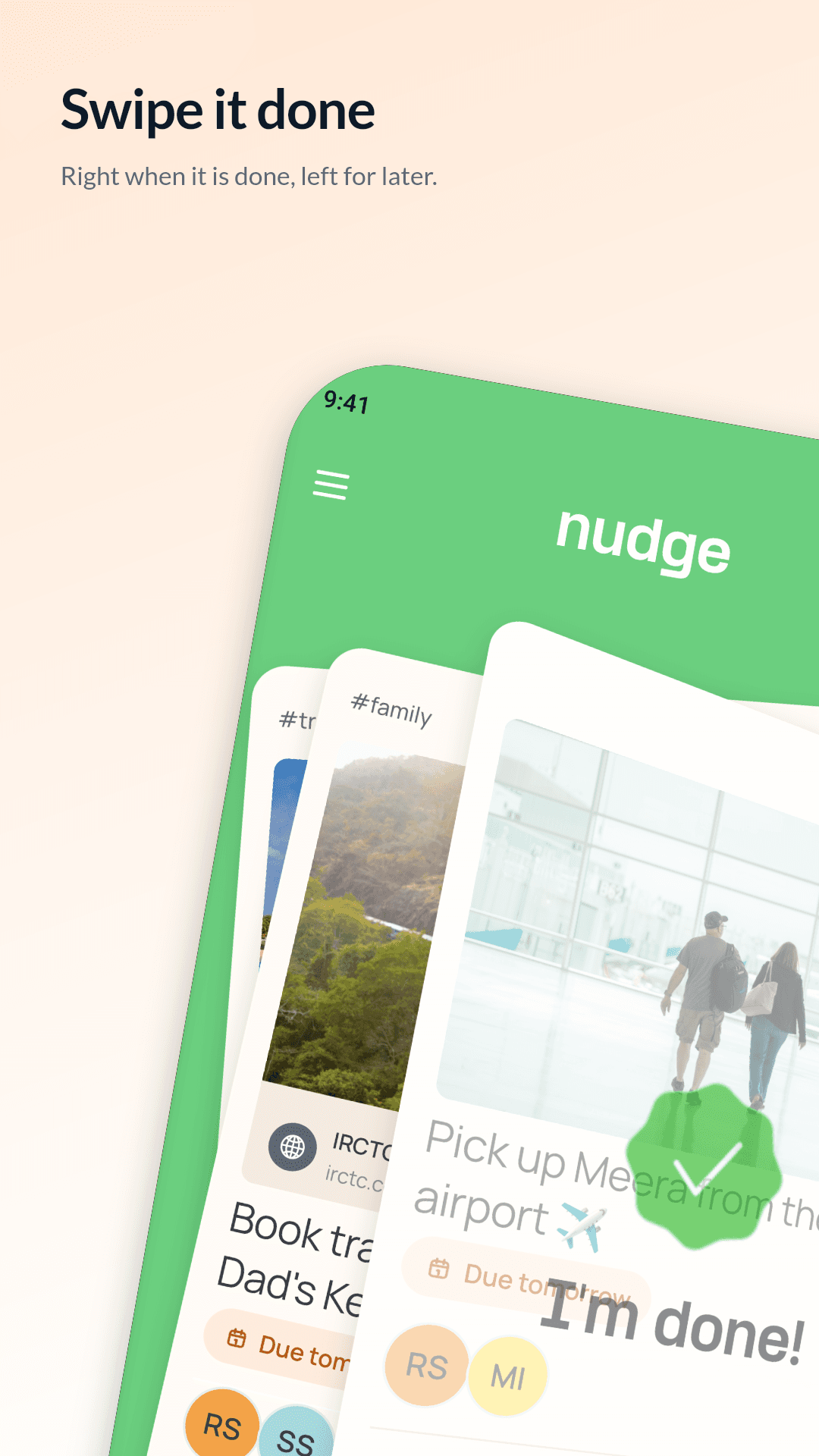
Drag the card. Any direction.
#travel
Most task apps are made for one person. Nudge is made for the moment you need someone else to do something, and you don’t want to be the one asking twice.
The deck
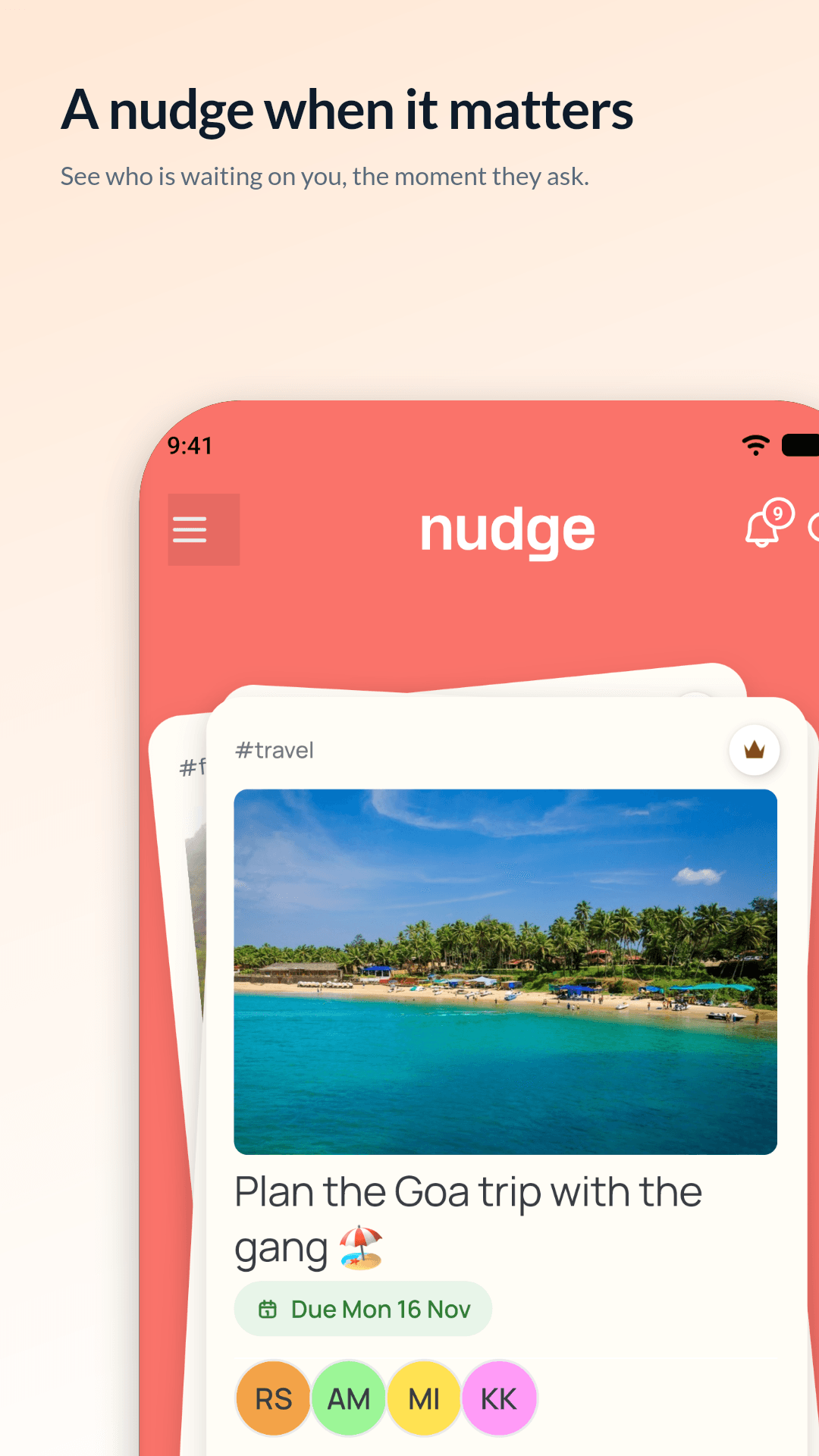
Your tasks sit in a deck of cards, with the one that needs you on top. No long list to scroll, no guilt pile. Just the next thing.
Nudges
When something is slipping, drag the card up and pick a tone. Their task jumps to the top of their deck, so they see who is waiting on them. No awkward texts, no asking twice.
Gentle
Arjun sent a little nudge 🙏
No rush — just thinking of “Plan the Goa trip”
Friendly
Hey! Arjun here 😊
How’s “Plan the Goa trip” going?
Firm
Arjun’s peeking in 👀
Any luck with “Plan the Goa trip”?
Urgent
Arjun’s cheering you on 🔥
You’ve got this — “Plan the Goa trip” today?
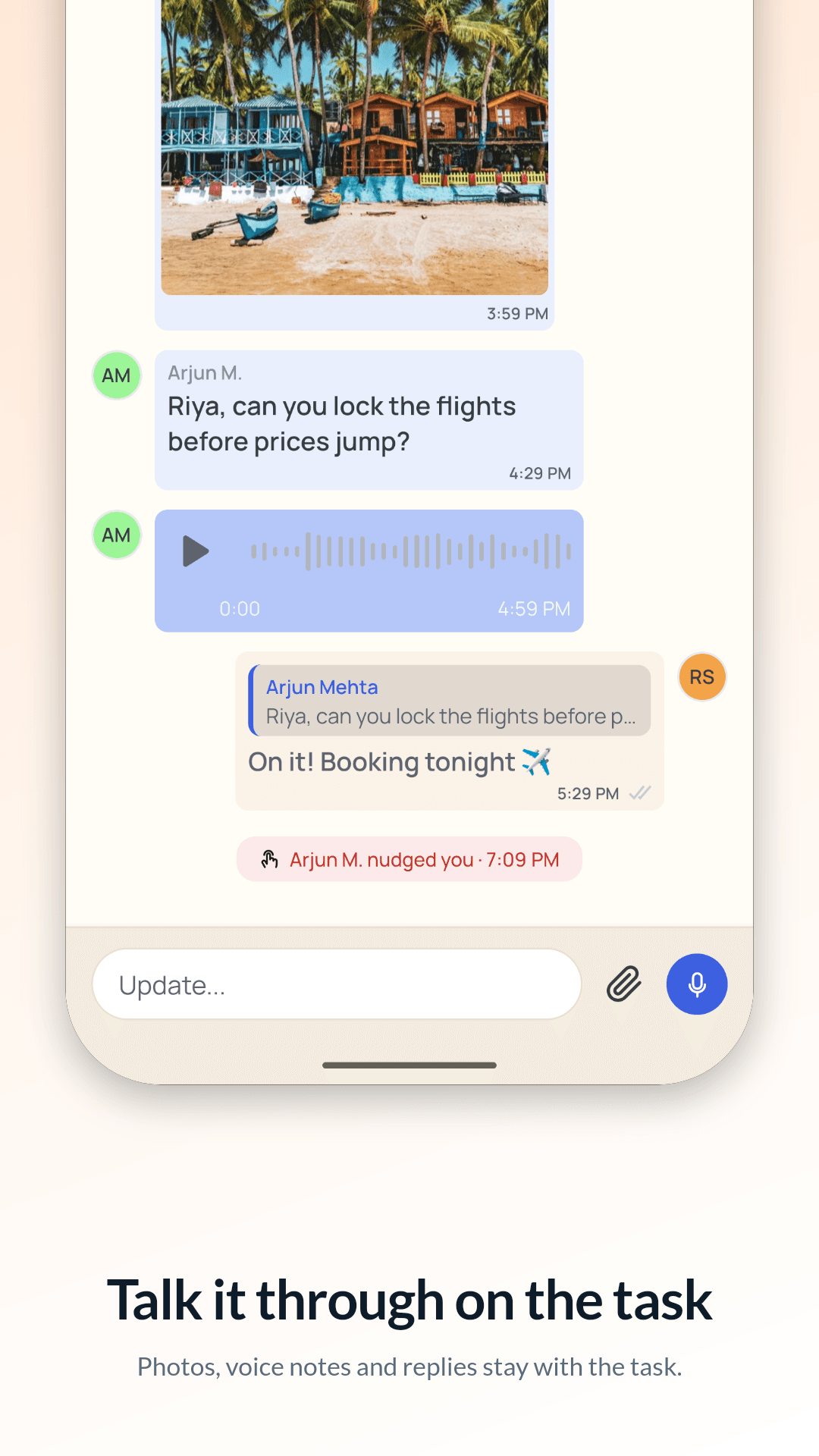
Inside a task
A photo, a due date and time, the people, tags and priority. Then the conversation: updates, photos and voice notes right on the task, so nothing gets lost in a group chat.
Capture
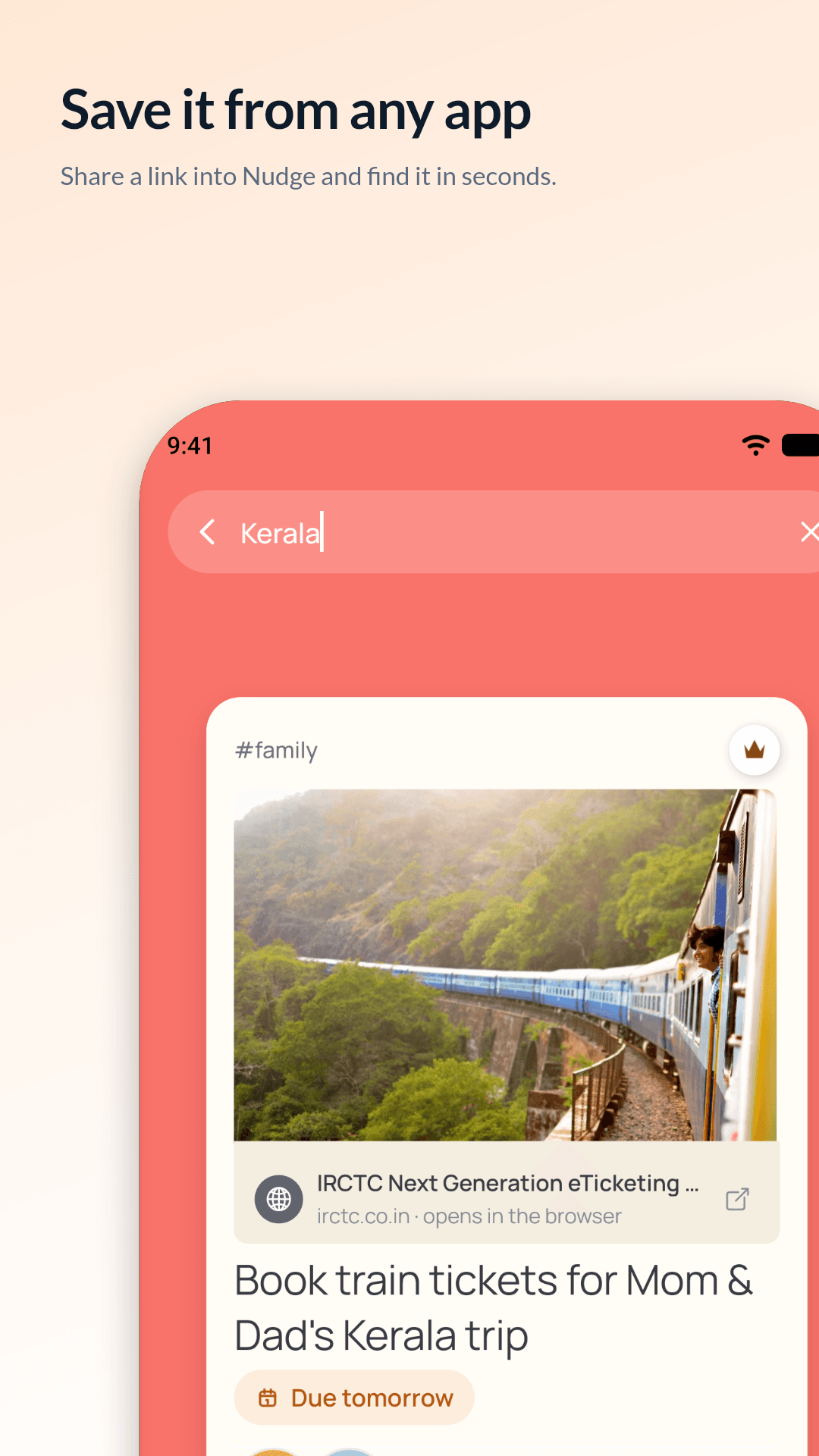
Take a photo, record a voice note or just type. Found something in another app? Share a link, photo or video straight into Nudge and it becomes a task.
Finishing
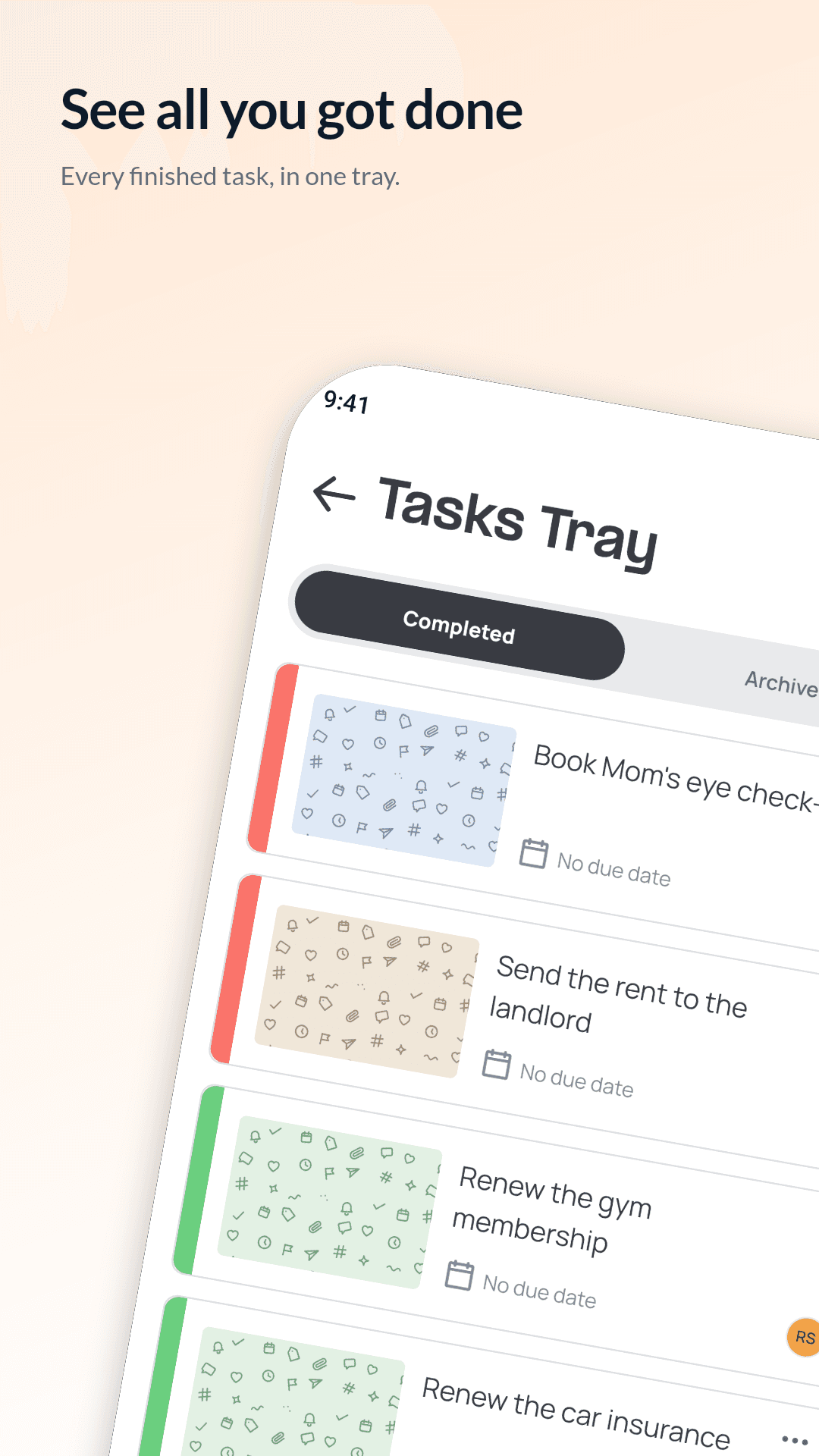
When the person you handed a task to swipes “I’m done”, you get a quick “Take a look?”. Close it, or send it back with a little more to do. Finished tasks wait in your history.
Staying in the loop
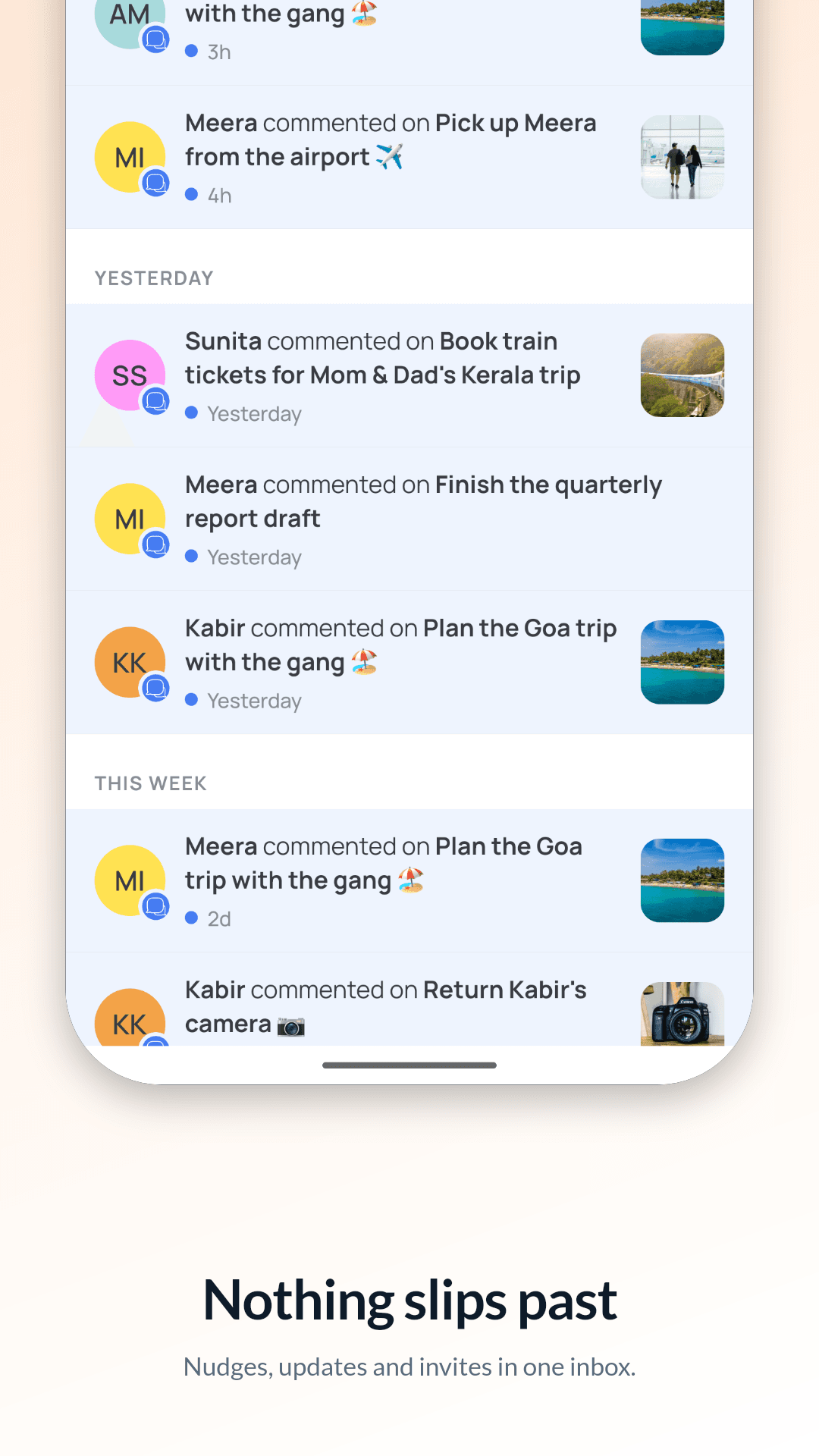
Nudges, updates and invites land in one inbox, grouped by day, with anything waiting on you pinned on top. And when you need peace, quiet hours hold everything until you’re ready.
Add a task on the metro, finish one in a basement. It all catches up when you’re back online.
“elctricity” still finds the electricity bill. Type “5 oct” and it finds what’s due then.
Not on Nudge yet? They get a text with a link, and the task is waiting when they sign in.
Pick a window. Notifications wait, then arrive as one.
Plans change. Pass a task to someone else and keep an eye on it.
#home, #travel, #family. Everyone on the task sees the same ones.
No photo? Every task still gets its own little doodle picture.
No passwords, no email. A 6-digit code and you’re in.
Chores, errands, school runs and plans, shared with the people at home. Nobody has to be the family reminder service any more.
See howBins, bills, the landlord and the leaking tap. Everyone sees what’s theirs, and nobody has to be the house nag.
See howErrands, house jobs and weekend plans, shared with your partner. Less “did you remember?”, more getting it done.
See howTrips, birthdays and Saturday plans. Give everyone a job, keep the links in one place, and nudge the one who always forgets.
See howDoctor visits, medicine refills, bills and repairs for your parents, shared with your brothers and sisters, wherever they live.
See howthree steps, no manual
Snap a photo, record a voice note or type it. Add a date if it has one.
Pick them from your contacts. On Nudge, it shows up in their app. Not yet, they get a text.
They swipe it done. You give it the thumbs up, or send it back.
Your family’s plans are nobody’s business. Nudge is built so they stay that way.
There is none of it in the app, and a test fails our build if anyone ever adds it.
Not now, not later. It isn’t the business.
Read only when you open the contact picker. Only the numbers you choose to invite leave your phone.
Ask us to delete your account and everything in it, and we will.