Skip to content
nudge

Snap it, say it, type it, share it

Take a photo, record a voice note or just type. Found something in another app? Share it into Nudge and it becomes a task.

Get it onGoogle PlayApp Store · coming soon
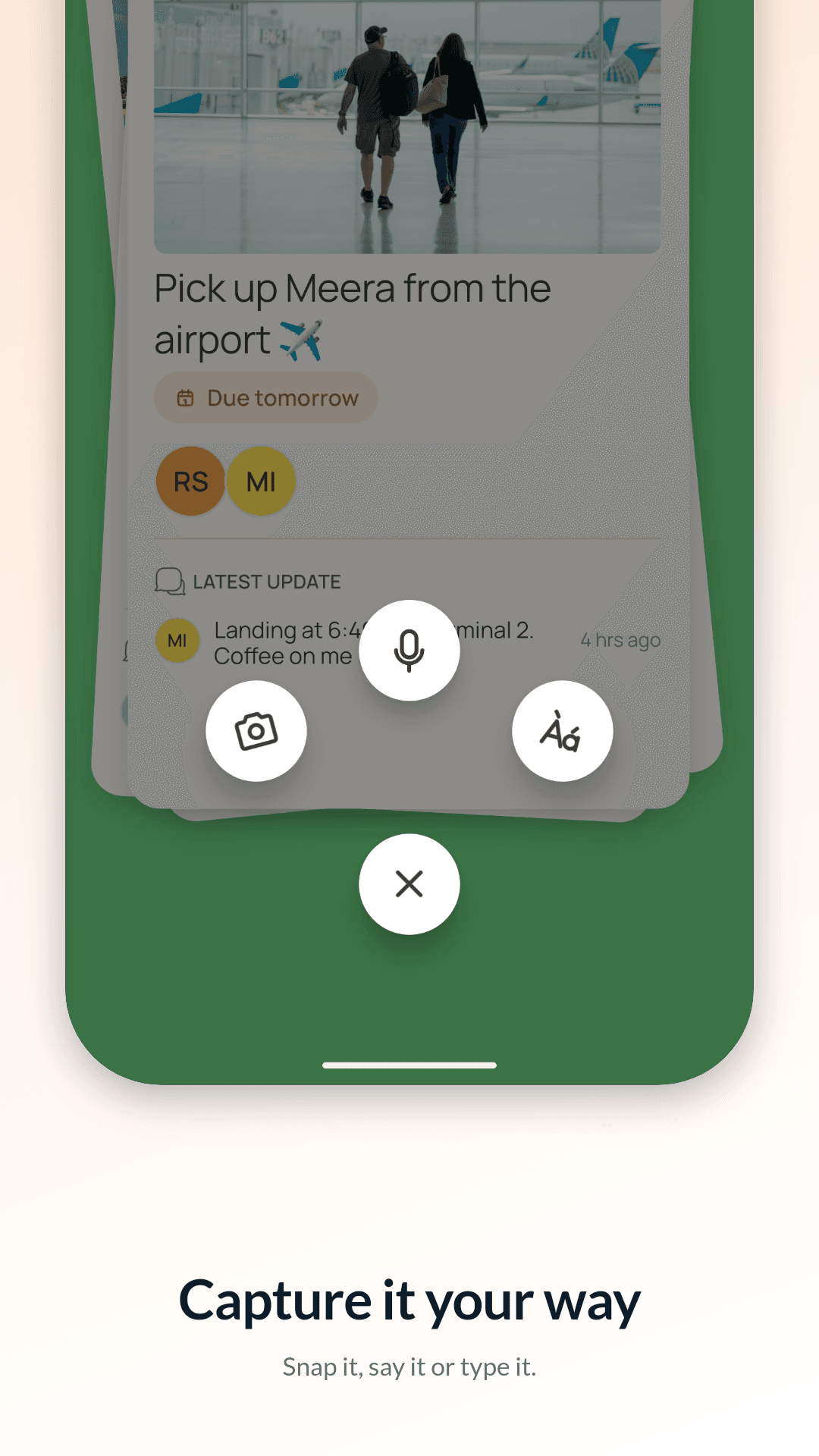
The Nudge add button with camera, voice and text

Three ways in

Tap the + button under your deck and pick one.

  • Camera: take a photo (and crop it) or choose one from your gallery. It becomes the task’s picture.
  • Voice: record a voice note of up to 5 minutes. It plays right from the card.
  • Text: type it. A little formatting works too: **bold**, *italic*, lists and links.

Share from any app

Use your phone’s Share button in the browser, a shopping app, your gallery or anywhere else, and pick Nudge. The new task opens straight away.

  • A link becomes a link card with the site name, page title and its picture
  • A photo becomes the task’s picture; a video is added as a file
  • The title is left empty for your own words
  • Works even if you aren’t signed in yet: the share waits for you

One card for the details

The new-task card has one row of buttons: priority, due date, people, files and tags. Save it and it lands on your deck at once; invites and uploads follow behind.

Questions

Does Nudge turn voice notes into text?

No. Voice notes stay as audio, so you hear exactly what was said.

Does sharing a link send my browsing anywhere?

No. The preview for the link you shared is fetched from your phone, once, and only for that link.

Stop asking twice.

(we’ll do the nudging)

Get it onGoogle PlayApp Store · coming soon