
Remind without nagging
Asking twice is awkward. A nudge is a small, friendly tap on the shoulder that lives on the task itself, so it never turns into a tense message in the family group chat.
When something is slipping, drag the card up and pick a tone. Their task jumps to the top of their deck, so they see who is waiting on them.
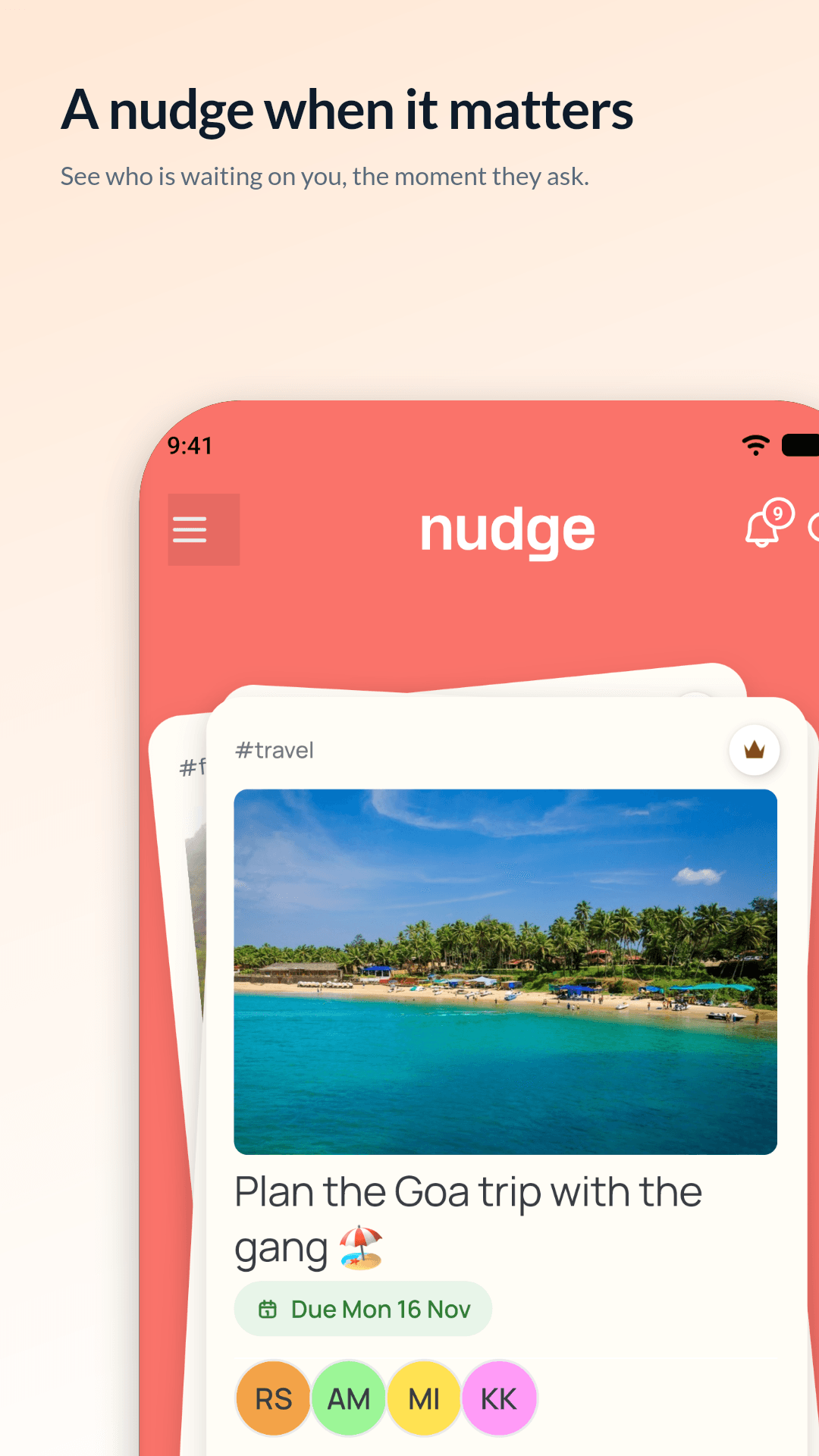
Asking twice is awkward. A nudge is a small, friendly tap on the shoulder that lives on the task itself, so it never turns into a tense message in the family group chat.
Drag the card up and a row of tones opens above your thumb. Slide to pick one and let go to send. Each tone sends a different push:
The person holding the task gets the push, and the task jumps to the top of their deck with a line saying who nudged them. When they open it, the nudge counts as read and the task drops back into its usual place. The nudge also shows in the task’s updates and in their inbox, where repeat nudges are bundled (“nudged you 3 times”).
Anyone helping on a task can nudge the person holding it. If you made a task and handed it to someone, you can nudge them too. You can’t nudge yourself, and the person holding a task can’t nudge.
A nudge needs a connection to send. Once it’s sent, the push goes out from our server, not from your phone, so it still arrives if you lose signal right after.
No. Once a nudge is sent it reaches the other person straight away, so it can’t be undone.
Sending one needs a connection. Offline, the card bounces back with a note saying so.
Your tasks sit in a deck, with the one that needs you on top. Swipe it done, park it for later, or nudge whoever is holding it.
Read moreGive a task a date and a time and your phone reminds you before it’s due. Set quiet hours and everything waits until you’re ready.
Read morePick someone from your contacts. On Nudge? The invite shows up in their app. Not yet? They get a text with a link.
Read more