Skip to content
nudge

One task at a time, on a deck of cards

Your tasks sit in a deck, with the one that needs you on top. Swipe it done, park it for later, or nudge whoever is holding it.

Get it onGoogle PlayApp Store · coming soon
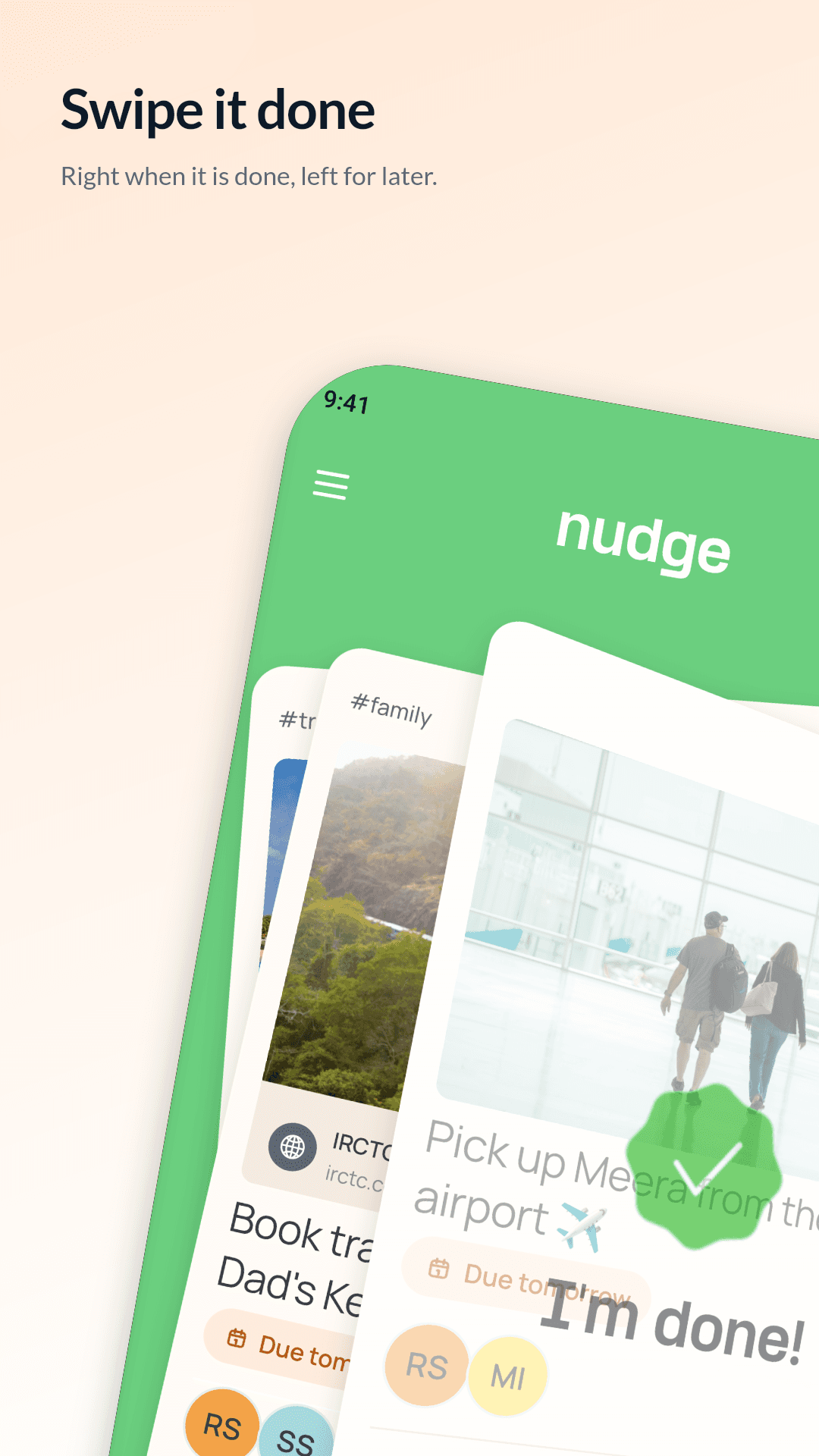
Swiping a task card right to mark it done in Nudge

Why a deck, not a list

A long list is a guilt pile. A deck shows you one thing: the task that needs you now. Tasks someone has nudged you about come first, then the newest. Open a nudged task and it drops back into its place, so nothing stays stuck on top.

Four swipes, four actions

The direction decides the action, and the label on the card always shows what will happen when you let go.

  • Right: done. If you handed the task to someone, they say “I’m done” and you get to check it.
  • Left: later. The card goes to the back of your deck. Nobody else’s order changes.
  • Up: nudge. Pick a tone and the person holding the task hears from you.
  • Down: archive. Put a task away for everyone (the person who made it can do this).

Made to feel right in the hand

The card follows your finger and tilts like a page on a hinge. It counts once you pass about a third of the screen, or with a quick flick. Grab and let go, or drag out and back, and nothing happens. If an action isn’t yours to take, the card springs back.

Undo, for 20 seconds

Swiped the wrong way? A round undo button appears with a ring that drains over 20 seconds. Tap it and the card comes back from the edge it left by. Nobody is told a task was finished until that window has passed, so an undo never sends a false alarm.

The colour tells you the priority

The whole deck turns coral when the task on top is high priority, and green otherwise. Each card also shows a due pill that works like a traffic light: red when it’s overdue, amber for today or tomorrow, green for later.

Questions

Can I still see all my tasks at once?

Search filters the deck as you type, and finished or archived tasks live in your task history with their own search and filters.

What happens to a task I swipe left?

It goes to the back of your own deck. It stays open, and the other people on it see no change.

Stop asking twice.

(we’ll do the nudging)

Get it onGoogle PlayApp Store · coming soon