
Your own task: one swipe
If you made a task and still hold it, swipe it right and it’s completed and closed. Everyone on it hears about it after the 20-second undo window.
When the person you handed a task to says “I’m done”, you get a quick “Take a look?”. Close it, or send it back.
If you made a task and still hold it, swipe it right and it’s completed and closed. Everyone on it hears about it after the 20-second undo window.
When the person holding it swipes right, they’re saying “I’m done”. The task leaves their deck and the thread says “Meera says this is done 🎉”.
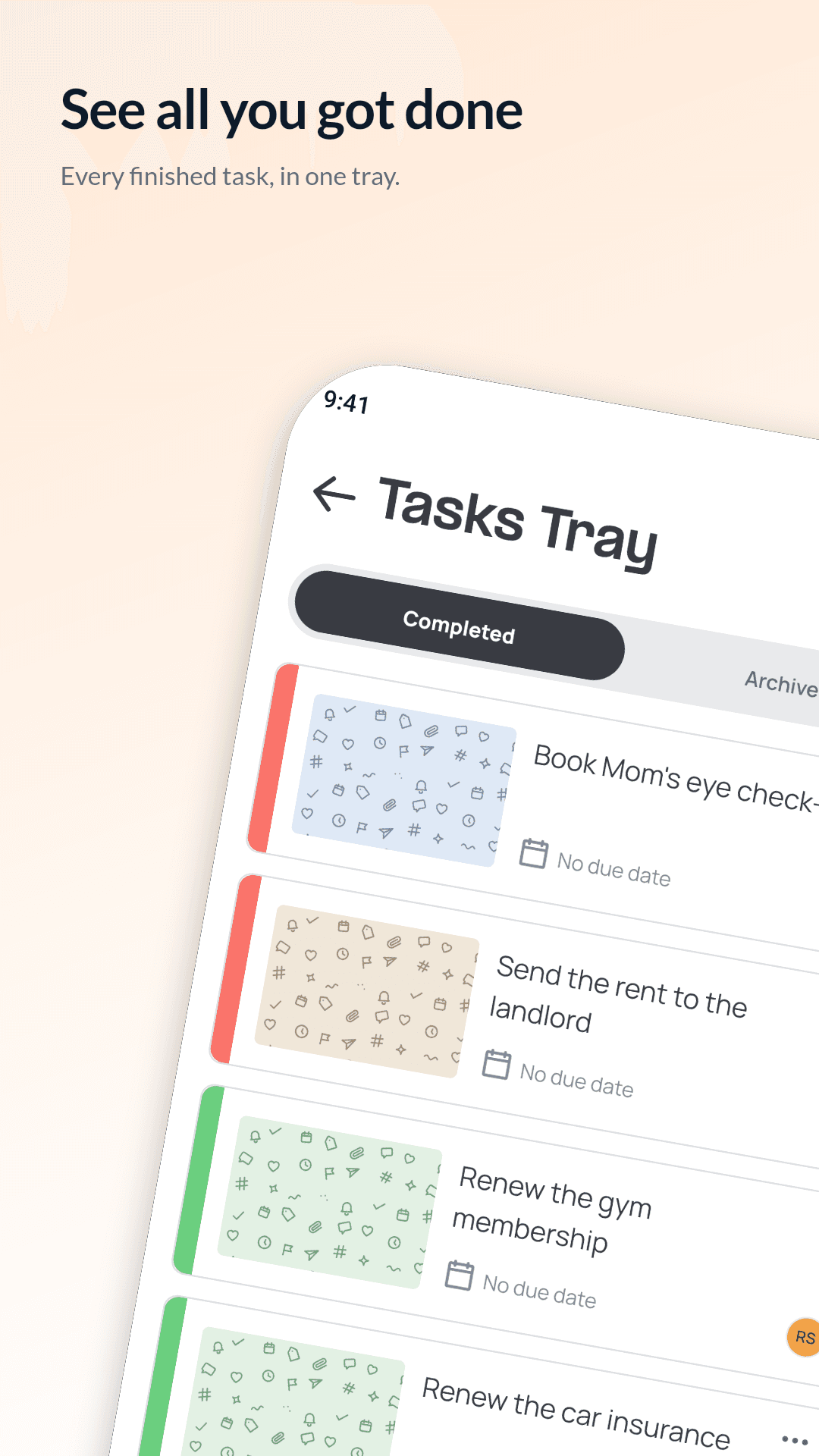
Finished and archived tasks move to your task history, with search and filters for priority and your role. From there the person who made a task can reopen, archive, restore or delete it. Anyone else can hide it from their own history.
No. Only the person who made a task can close it, or send back work that was marked done.
Tap the undo button within 20 seconds. Nobody is told until that window has passed.
Your tasks sit in a deck, with the one that needs you on top. Swipe it done, park it for later, or nudge whoever is holding it.
Read moreA photo, a due date, the people, tags and priority. Then the conversation: updates, photos and voice notes right on the task.
Read moreWhen something is slipping, drag the card up and pick a tone. Their task jumps to the top of their deck, so they see who is waiting on them.
Read more