
The card
Every task has a picture on top: a photo, a video, a voice note, or a doodle when there’s nothing else. Under it sit the title, the due date, the people, the tags and the latest update, so you know where things stand at a glance.
A photo, a due date, the people, tags and priority. Then the conversation: updates, photos and voice notes right on the task.
Every task has a picture on top: a photo, a video, a voice note, or a doodle when there’s nothing else. Under it sit the title, the due date, the people, the tags and the latest update, so you know where things stand at a glance.
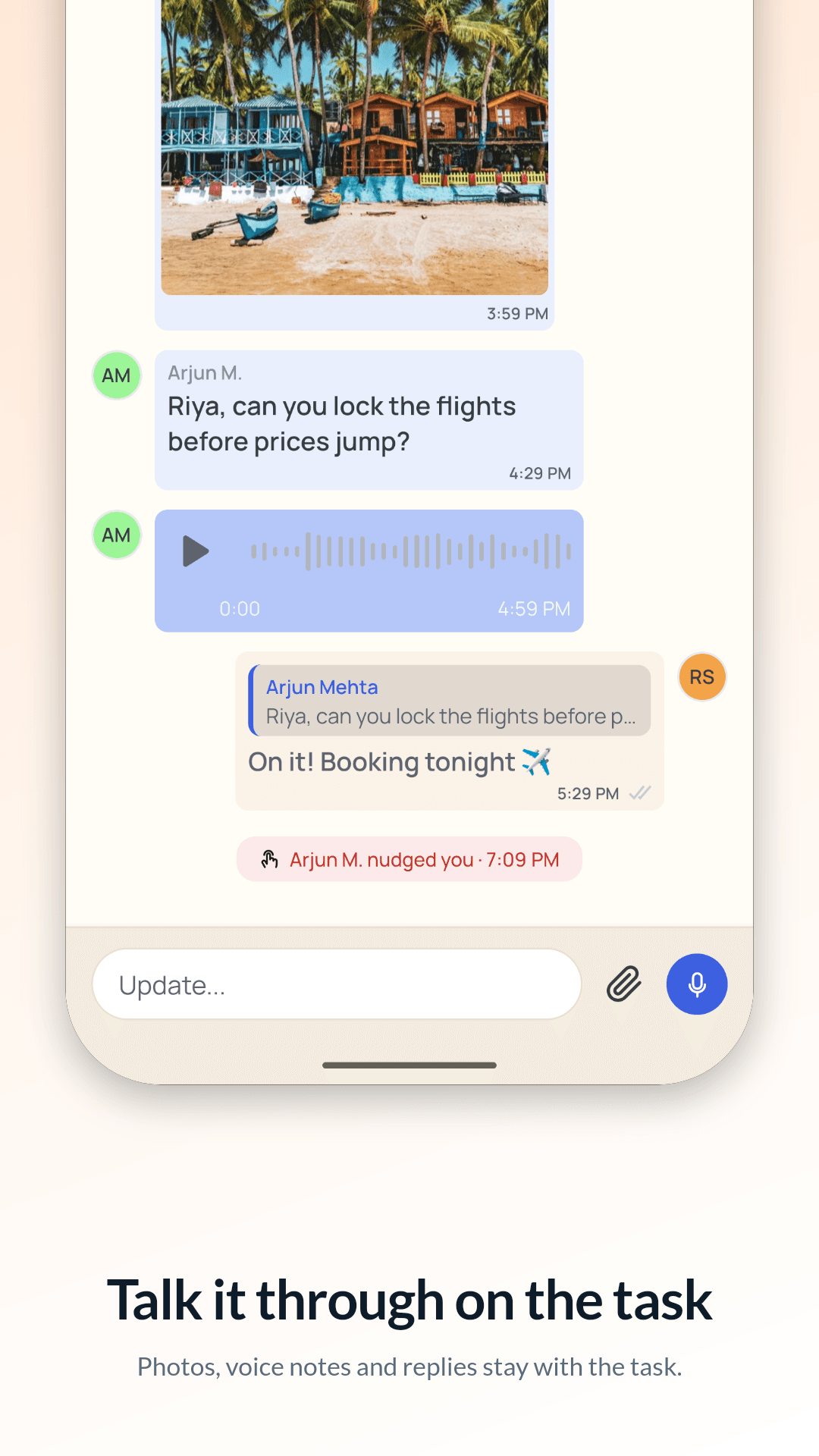
Instead of scrolling a group chat for “did anyone book the tickets?”, the conversation lives on the task.
Add photos, videos, voice recordings and documents from your camera, gallery or files. Up to 6 files per task, 10 MB each (50 MB for a video). Images, videos, audio and PDFs open right in the app.
The person who makes a task can always edit it and manage who’s on it. They can hand it to someone else, who then holds it (shown with a crown). Everyone else on the task helps: they post updates and can nudge. Changes save as they’re made; there’s no Save button.
Label tasks with tags like #home, #travel or #family; everyone on the task sees the same ones. Mark the urgent ones high priority and the deck turns coral when they’re on top.
Not yet. Sent updates stay as they are for now.
Only the people on it. A task is never visible to anyone you haven’t added.
Take a photo, record a voice note or just type. Found something in another app? Share it into Nudge and it becomes a task.
Read morePick someone from your contacts. On Nudge? The invite shows up in their app. Not yet? They get a text with a link.
Read moreWhen the person you handed a task to says “I’m done”, you get a quick “Take a look?”. Close it, or send it back.
Read more